How To Create A Direct Download Link For Google Drive Files On Mobile?
We hope you find this post 200% useful if you are a webmaster or administrator (that’s why we posted this post on our truehomeoccupations.com site and shared it with you).
If we look at the benefits you get from this – they are huge. Let’s see it below!
By using the direct download link on your website your readers will be motivated to spend more time on your site. This means that they download directly to your site the apps, PDFs, and files that you can provide. This means that they spend their precious time going to other sites (to download your download files) and wasting their time searching for those download files.
This will allow your readers to spend more time on your site and share about your site with their friends. This is a great start to your blogging business – for success!
If you do not use the direct download link on your website, your readers will be a little annoyed – that is, download the files you provide! For example, if you were running an educational website, you would certainly be giving away a large number of download files to your students. Wouldn’t it be great if you could take your students to other sites to download your download files in situations like that? Just think! If you do this – how will your reader search your site again?
OK! Now let us see clearly how we can give a direct download link on our website.
It’s a simple process! So do not think that this is difficult. Let my first word of mouth about what we need to do and then look at the process – only then will we get clarity on this process.
Activity 1:
Now we need to select the file that we can provide to our readers. Then we need to upload it to our
Google Drive account.
Note: Google Drive account is free for every g-mail account. And we get 15GB of cloud storage for free from google. On top of that if we need cloud storage it would be like we pay a monthly fee for it.
Activity 2:
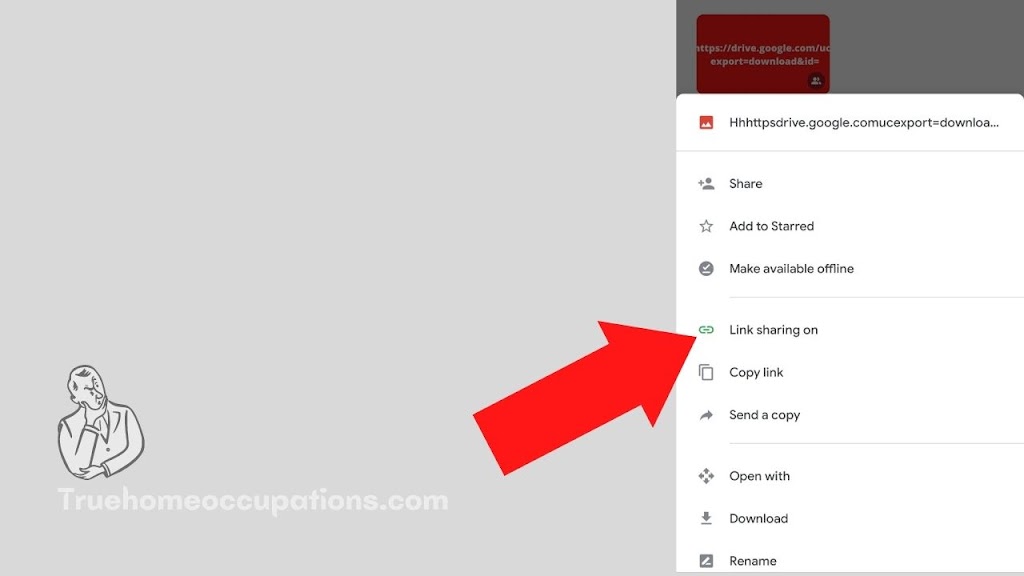
That means you need to change the “
Link sharing” option of that file (Turn On).
Activity 3:
Note: All the information I am going to tell you now will focus on examples such as downloading an image directly.
For example, if we copy the link of an image it will look like “https://drive.google.com/file/d/1NwVLm14VxlvBVe-dfV5sig7UpPxj5jzT/view?usp=drivesdk“
Currently, our job is to summarize this link! That is the function of extracting only the ID of the image that we provide. To do this we need to remove “https://drive.google.com/file/d/” and “/ view? Usp = drivesdk” from this link. This is a common thing! That means we will follow this process for all operations.
The original link we get when we delete these will be “1NwVLm14VxlvBVe-dfV5sig7UpPxj5jzT“.
When we link this link “with the direct download link” it becomes a direct download link.
That is “the original link of the direct download link + file = direct download link”.
Example:
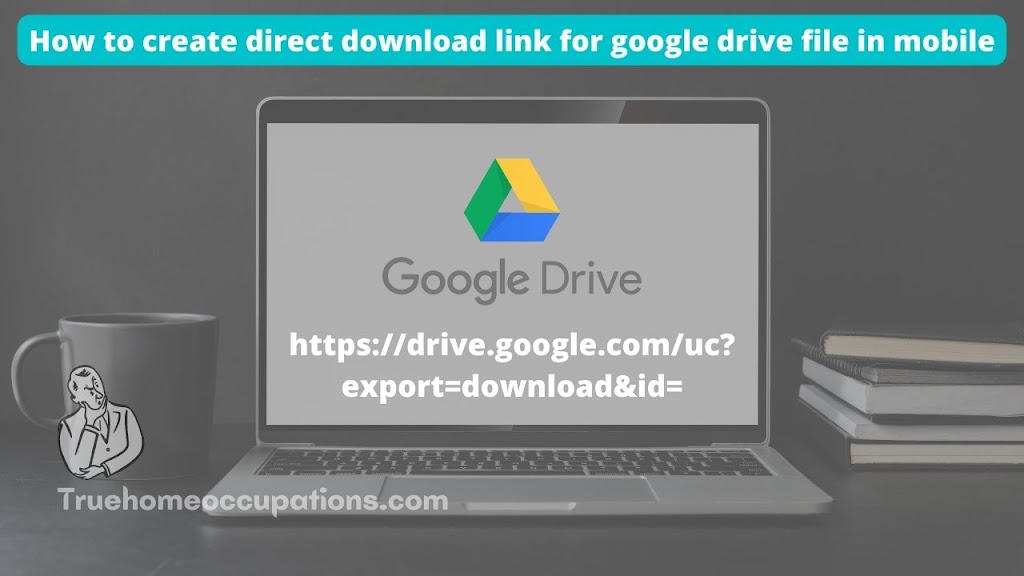
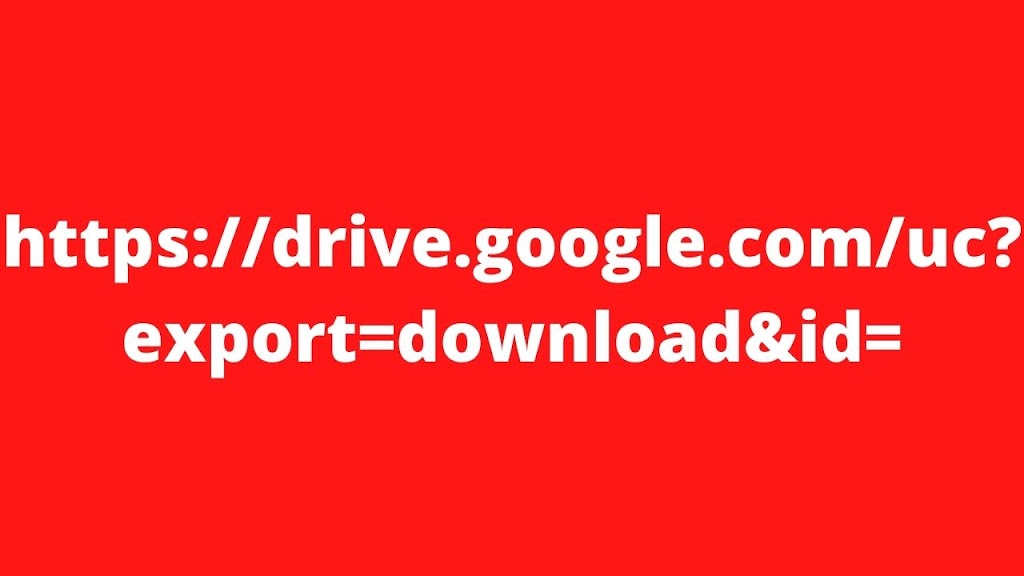
https://drive.google.com/uc?export=download&id=
+
1NwVLm14VxlvBVe-dfV5sig7UpPxj5jzT
=
https://drive.google.com/uc?export=download&id=1NwVLm14VxlvBVe-dfV5sig7UpPxj5jzT
All you need to know is the code of this “https://drive.google.com/uc?export=download&id=” direct download link.
Note: Google Drive has another unique partitioning system. This will allow you to download your files to a unique group of people. Does this mean that you can use the “
Who has access” option as a team to make your files available only to people you like? This is a safe activity!
Download the image below and it will download directly to you! Do not take yourself to any one page.
True Home Occupations! – Sathish Mahalingam MCA,.
Instagram Page: True Home Occupations.
LinkedIn Page: True Home Occupations.
Medium: True Home Occupations.
Quora Group: True Home Occupations.
Gmail: Contact.truehomeoccupations@gmail.com
You Might Also Like.
👉 How to Launch an eBook (With FREE Templates & Selling Sites Details).
👉 (New Updates) eBay Business Account Pros and Cons.
👉 Best 25 Music Business Ideas for Musicians.
👉 15 Shipping Container Business Ideas To Consider In 2022.
How to Create a Direct Link for Your Google Drive Files? – True Home Occupations.
I am Sathish Mahalingam. I completed my master’s in 2021 in the computer application department (MCA). After I completed my postgraduation, I decided to start my own business online, so first of all, I learned about blogging. Fortunately, I know 60 to 75% of the blogging knowledge within a few months, like website making, content writing, SEO, backlink making, traffic generating, and how to earn from the blogging industry. After two years, I’m interested in learning trading, so I’m learning trading like Nifty50 analysis and stock trading—intraday, swing trading, and small & long-term investments.