How To Add Table Of Contents In Blogger!
I know, if you’ve been doing your part-time job as a blogger, you know for a fact that we can not get features like Table of Contents in “a free hosting – ie Google Blogspot”.
Yes! Guys – this is true. We do not have the option of Table of Contents directly in Google Blogspot. But there is a solution! That is the HTML coding option.
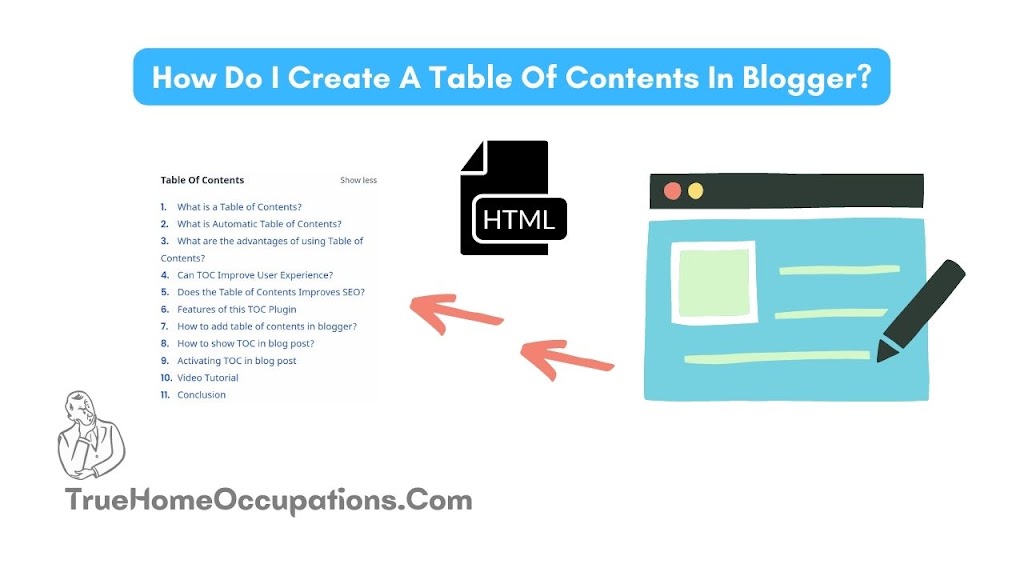
We can add a Table of Contents to Blogspot. For that, you need to convert some HTML codes into your theme HTML code.
do not worry! I have summarized the simple ways to do that in this post. So just copy the HTML codes that I recommend in this post and paste them exactly where I say (ie in your theme HTML codes). This will allow you to bring the Table of Content option to your free Blogspot site.
Note: This function will not work properly even if you copy & paste the codes I recommend correctly and paste them in the wrong place. So act carefully!
Who Can Use The Table Of Content Option On The Website?
There is no answer to this question. Yes! Anyone can use this process but who knows if it will be correct? This post is 200% suitable for those who provide clear (full information) feedback on their web posts or for those who clearly state too many topics in their posts.
What Are The Benefits Of The Table oF Content Option? Let’s See A Little Bit About It!
This will show readers the full range of “post titles” on your site (i.e. only the H1 titles you enter in each post will be featured on Google). This will increase the number of readers who visit your site day by day. And your income will increase automatically – for this you can use facilities like Affiliate marketing and Google Adsense.
This will make your readers spend more time on your site – more likely to increase your bounce rate.
It also makes it easier for your readers to find the information they are looking for and read it throughout. Also, some people will try to share your posts with their friends. Do all these activities only benefit you? … so still have an idea why – start the effort.
Table Of Content Options For You To Link To Your Website.
Code 1.
You need to go to the theme (HTML code editing) section of your website and paste the suggested code here into the area between “<head> </head>”.
Code 2.
Paste the code suggested here over the code “]]> </b>: skin>” in your web theme (HTML code editing) section.
Note: There is an easy way for you to find the code “]]> </b> skin>” in your web theme (HTML code editing) section. That is – in that section you must first press + control + F. Then enter the code “]]> </ skin:” and press the Enter option – you will be shown the location you are looking for.
Code 3.
This is a bit of a difficult part (as far as I am concerned)! Let’s look at how easy it is for you to get over this though.
This code is found in different numbers for each theme. That means it will appear 2 times in your theme! Your friend can be seen up to 7 times in the theme! So without taking this too seriously, no matter how many times this code appears in your theme, just delete it and paste the code I have recommended.
Note: The above 3 codes need to be modified in the theme section of your website. But the following two codes are required to register in your post.
Code 4.
All you have to do is paste the code recommended here in your post – wherever you need the table of content.
Note: The second smallest code in this code is the 5th code.
Code 5.
The 5th code is the second in the code above.
You just need to paste this code into your post. But it has to be done in the last section of the post.
Note: Also here you can change everything like background color, border color, font color, Anchor link color, font size, and font size of TOC (heading text). You can freely know the relevant and correct code option for these by the image below.
True Home Occupations! – Sathish Mahalingam MCA,.
Instagram Page: True Home Occupations.
LinkedIn Page: True Home Occupations.
Medium: True Home Occupations.
Quora Group: True Home Occupations.
Gmail: Contact.truehomeoccupations@gmail.com
You Might Also Like.
👉 8 Ways To Drive More Traffic To Your Blog.
👉 How to Make Money Blogging CONSISTENTLY.
👉 How to Start a WordPress Blog.
👉 40 Best Affiliate Programs for 2022 (Best Commissions $$$).
How Do I Create A Table Of Contents In Blogger? – True Home Occupations.
I am Sathish Mahalingam. I completed my master’s in 2021 in the computer application department (MCA). After I completed my postgraduation, I decided to start my own business online, so first of all, I learned about blogging. Fortunately, I know 60 to 75% of the blogging knowledge within a few months, like website making, content writing, SEO, backlink making, traffic generating, and how to earn from the blogging industry. After two years, I’m interested in learning trading, so I’m learning trading like Nifty50 analysis and stock trading—intraday, swing trading, and small & long-term investments.