Even though we run a wonderful web page, if it is a free Blogspot site, the benefits and facilities available to us are not very small compared to WordPress. Yes! In such cases, there is no doubt that “giving a slideshow option on a web page is one of a kind”.
If we want to give the slideshow option in our article in WordPress we will get many free plugins for that. But this process is not possible on Blogspot. However, we can implement this slideshow option in our article using a few HTML codes. Yes! Guys, this post is just the tip of the iceberg.
So set up the slideshow option on your Blogspot site today by following the instructions in this post. This way your readers will like your site posts more – i.e. from the normal look variations that existed before.
Here are some important things you can do to set up a slideshow option on your Blogspot site.
Step 1:
First, download the HTML code I recommend for you here.
Create a demo page on your Blogspot site and upload whatever images you want to give in your slideshow option. Then copy and paste the link address of those images (into each image).
Step 3:
Now all our work is on the slideshow HTML code I gave you. Yes! Paste the HTML code I provided into notepad – then follow the instructions I give you.
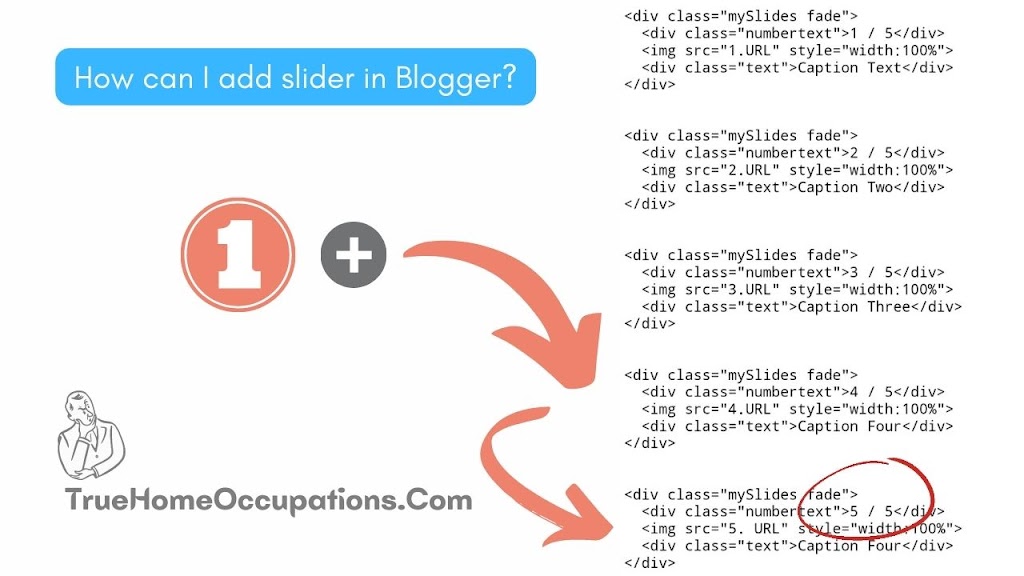
The code I have given you will have sections “1.URL”, “2.URL”, “3.URL”, “4.URL”, “5.URL”. You have to give the link address of each image one by one in those areas.
How can I add slider in Blogger?
truehomeoccupations.com
1 / 5
True Home Occupations
2 / 5
Author – Sathish Mahalingam
3 / 5
True Home Occupations – Since 2021
4 / 5
Support – True Home Occupations
5 / 5
Subscribe -True Home Occupations
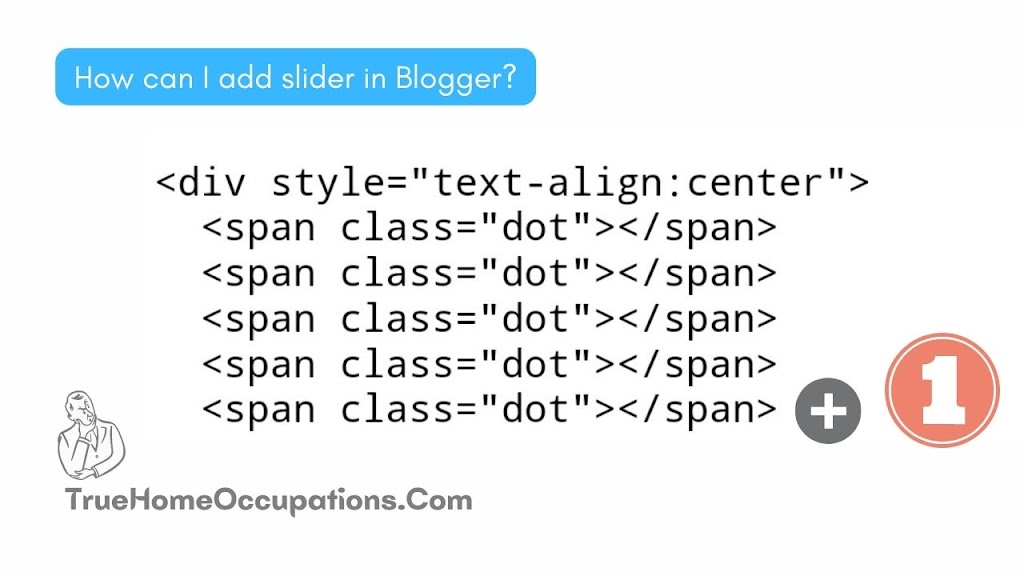
Note: According to the instructions I gave in this post, you can only slide show up to 5 images. But there is a way to make a slideshow in which you have more than 5 images. That is – paste the following code for the 6th time and then change the total number of images to 5 – 6. Then you have to paste the code in the image that I have given below 2nd (ie 6th time) in addition.
I am Sathish Mahalingam. I completed my master’s in 2021 in the computer application department (MCA). After I completed my postgraduation, I decided to start my own business online, so first of all, I learned about blogging. Fortunately, I know 60 to 75% of the blogging knowledge within a few months, like website making, content writing, SEO, backlink making, traffic generating, and how to earn from the blogging industry. After two years, I’m interested in learning trading, so I’m learning trading like Nifty50 analysis and stock trading—intraday, swing trading, and small & long-term investments.